
Integration For Brokers
Built to help you move more freight and find capacity quickly.
Automate your load posting through integration
123Loadboard helps thousands of freight brokers move more loads every day. Post loads and start finding qualified carriers to move your freight! Ready to start building the future of trucking? Call at 877-875-5301, ext. 2.
Schedule a demo
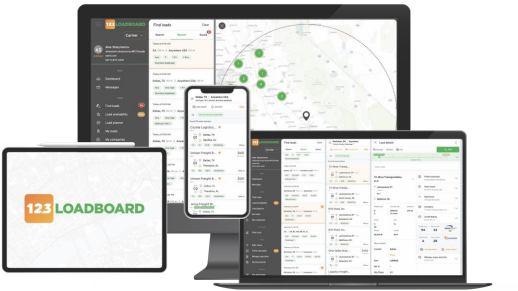

Load Posting Integration by Email, FTP, Web Scrape, Web Services, API, etc.
Integration in any format is accepted. We accept any posting method including Email, FTP, API, Website scrape, etc. If you need a template to get started, you may download our Load Posting Template.
API Integration – Elevate every shipment and interaction
Building tools that will shape the future of trucking. Whether you’re managing freight for yourself, as a third party, or even trying to streamline your communications; we have the tools.
Learn more | Developer Portal Login
APIs
- Post Loads
- Post trucks
- Search loads
- Check rates
- Search trucks
- Message
- Bidding
- Book now
Our free Posting Aid software helps you save time
To facilitate the posting of loads, we created a free tool called Posting Aid. Posting Aid is a free program that will assist you in uploading and automatically posting your loads to our marketplace.
Download and install our free program and you’ll be ready to upload your loads within minutes. Learn more!
Using a Transportation Management Software (TMS)?
For your convenience, 123Loadboard is integrated with over 30 Transportation Management Softwares (TMS) that can automatically send your load postings to us. Let our qualified staff integrate with your company’s TMS so that your load postings appear on our website in real-time.








Start Posting Loads And Get More Calls
123Loadboard provides innovative load board solutions with unparalleled support to meet customer demands. We help freight brokers move more truck loads every day!
- 150,000+ loads moved daily
- 350,000+ mobile app downloads
- Automate your load posting
- Match your loads with truck capacity